GSCanvas facilitates integrations with GoldSim and other tools using a graphical interface with a presentation layer. It handles hydrology and data analysis, including multi-weather station interpolation, AWBM (Australian Water Balance Model), and Snow-17 snowmelt simulation for runoff inputs, allowing you to focus on the high-level, complex water management and resource allocation simulation.
Our plan is to add more interactions with other tools, and we are actively taking suggestions during this beta period.
Reservoir Simulation Dashboard & GoldSim Model Integration
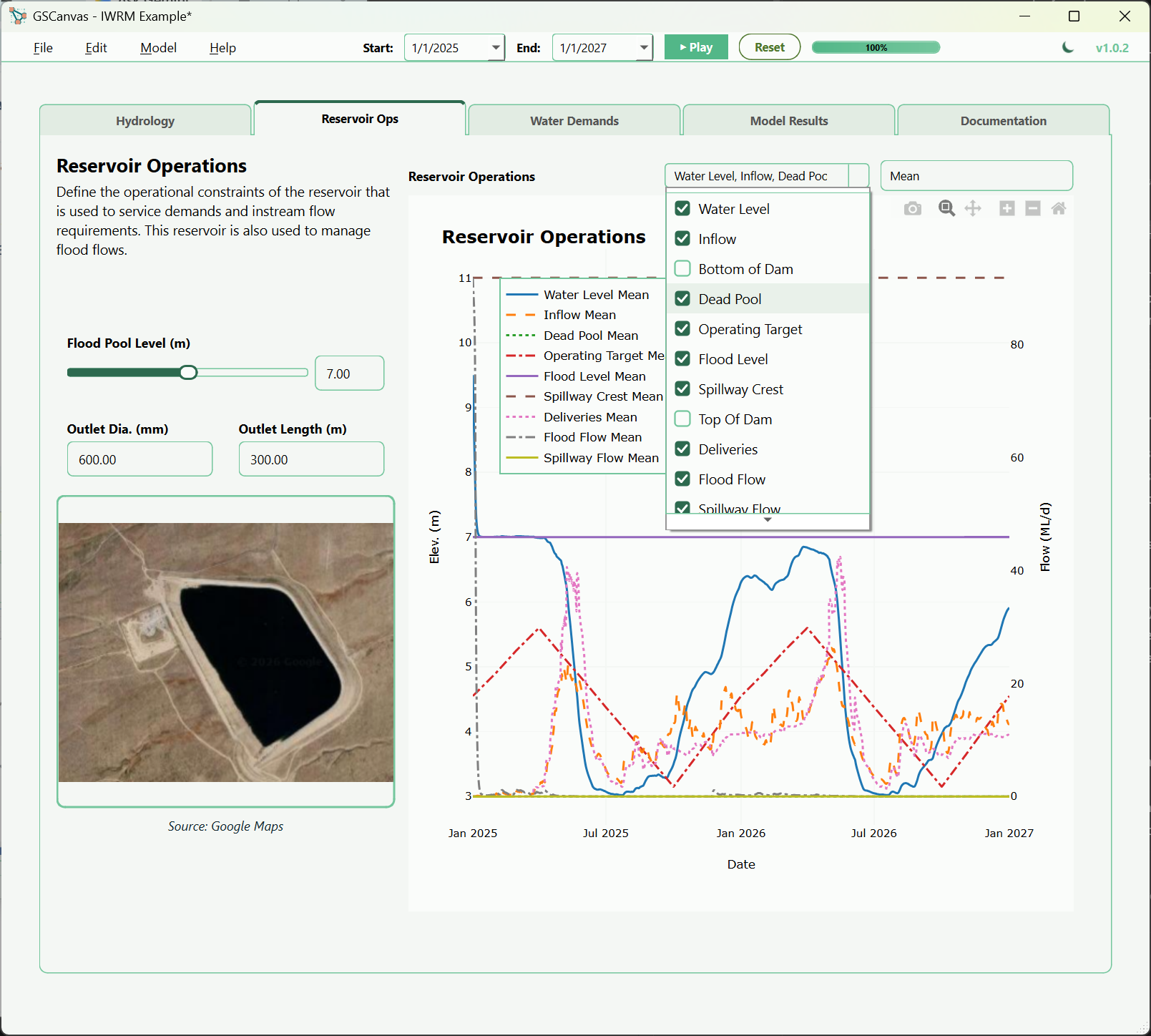
Current Version 1.2.2 Features
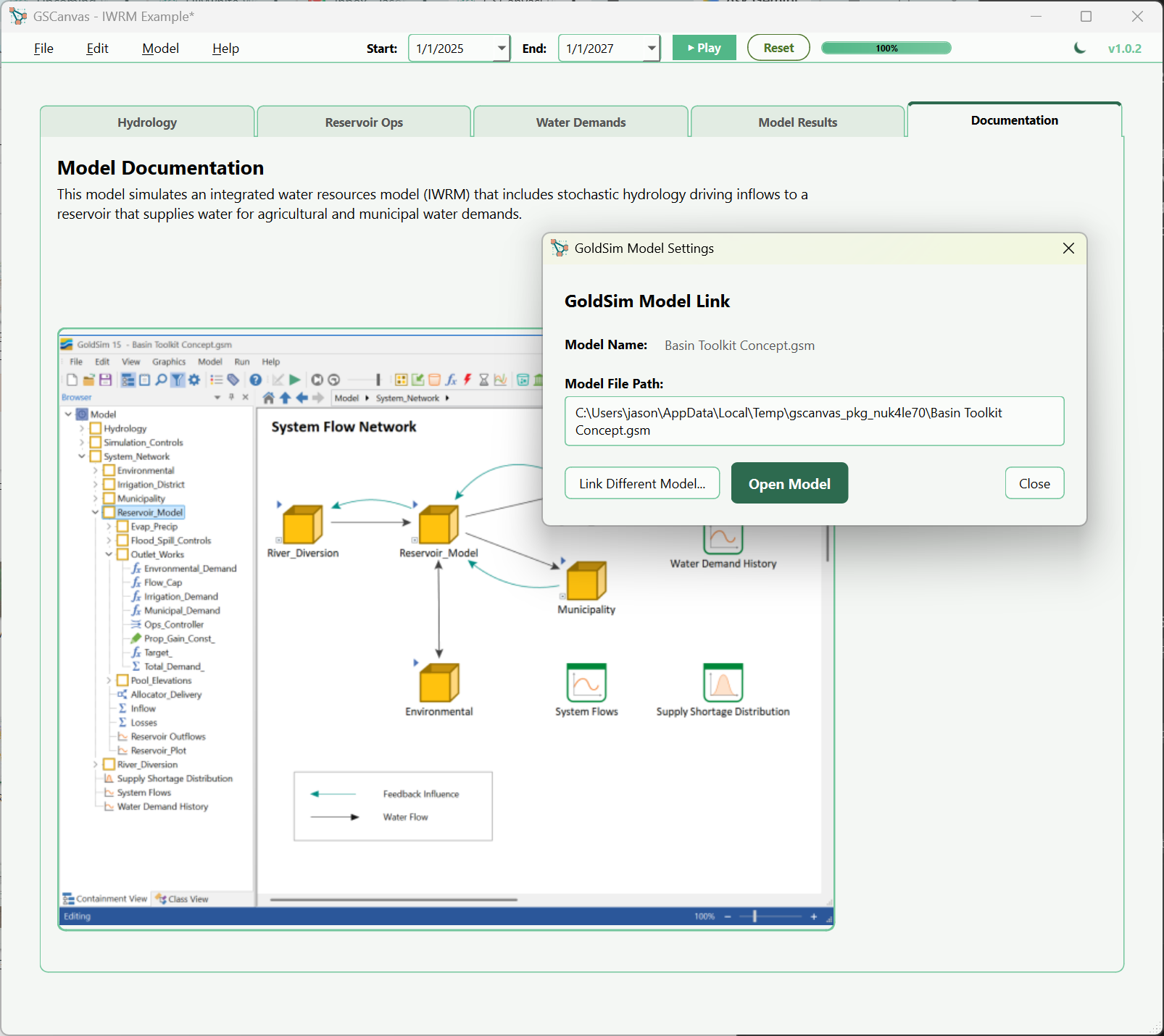
GoldSim Model Interfacing
Connect directly with your GoldSim model or GoldSim Player file. Easily interface with GoldSim inputs and display time history results from your simulation runs.
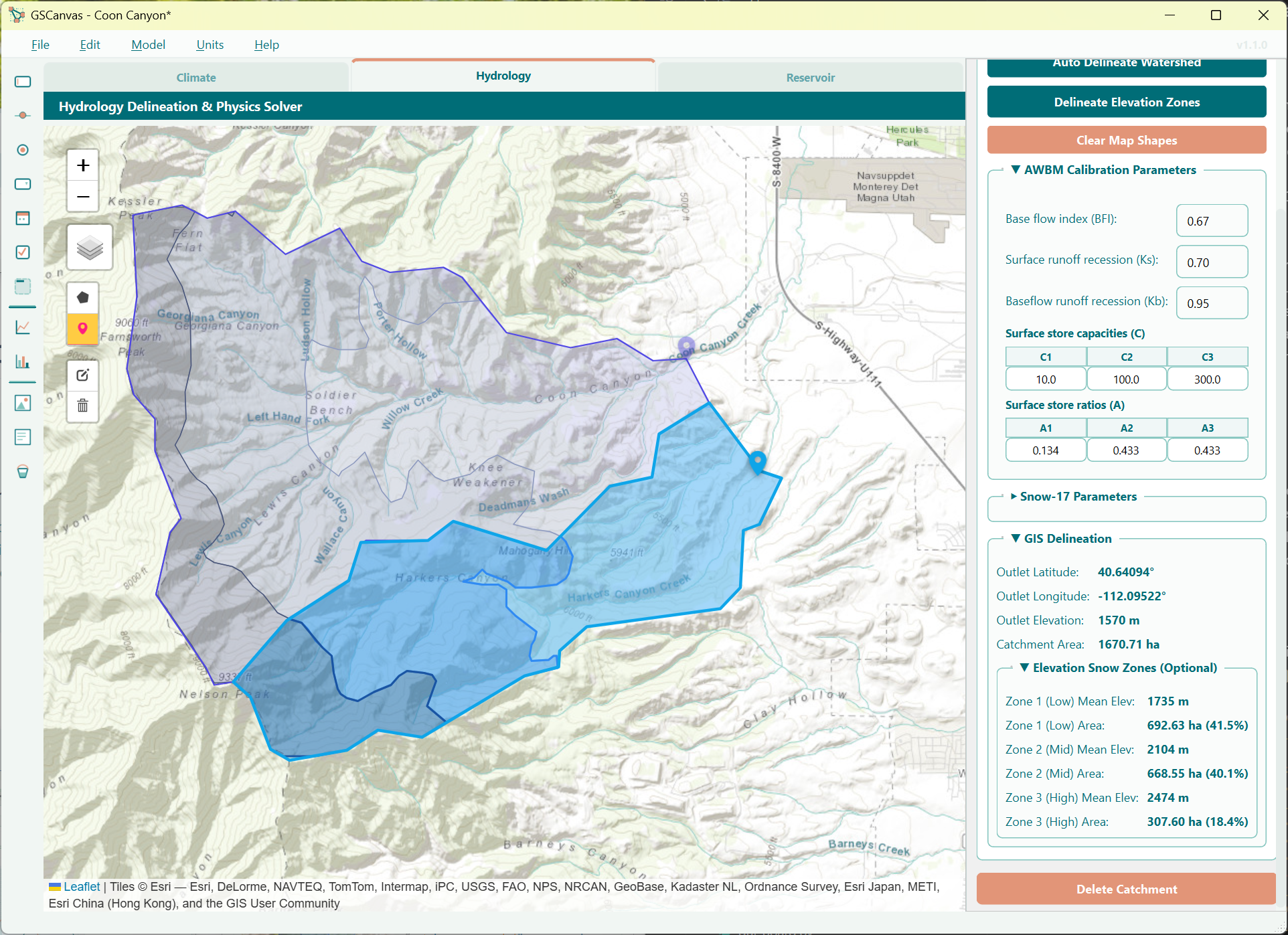
GIS Watershed Delineation
Interface with an offline geospatial map to delineate catchments. This add-on assists in visualizing and mapping the watershed boundary to help calculate runoff inputs for your model.
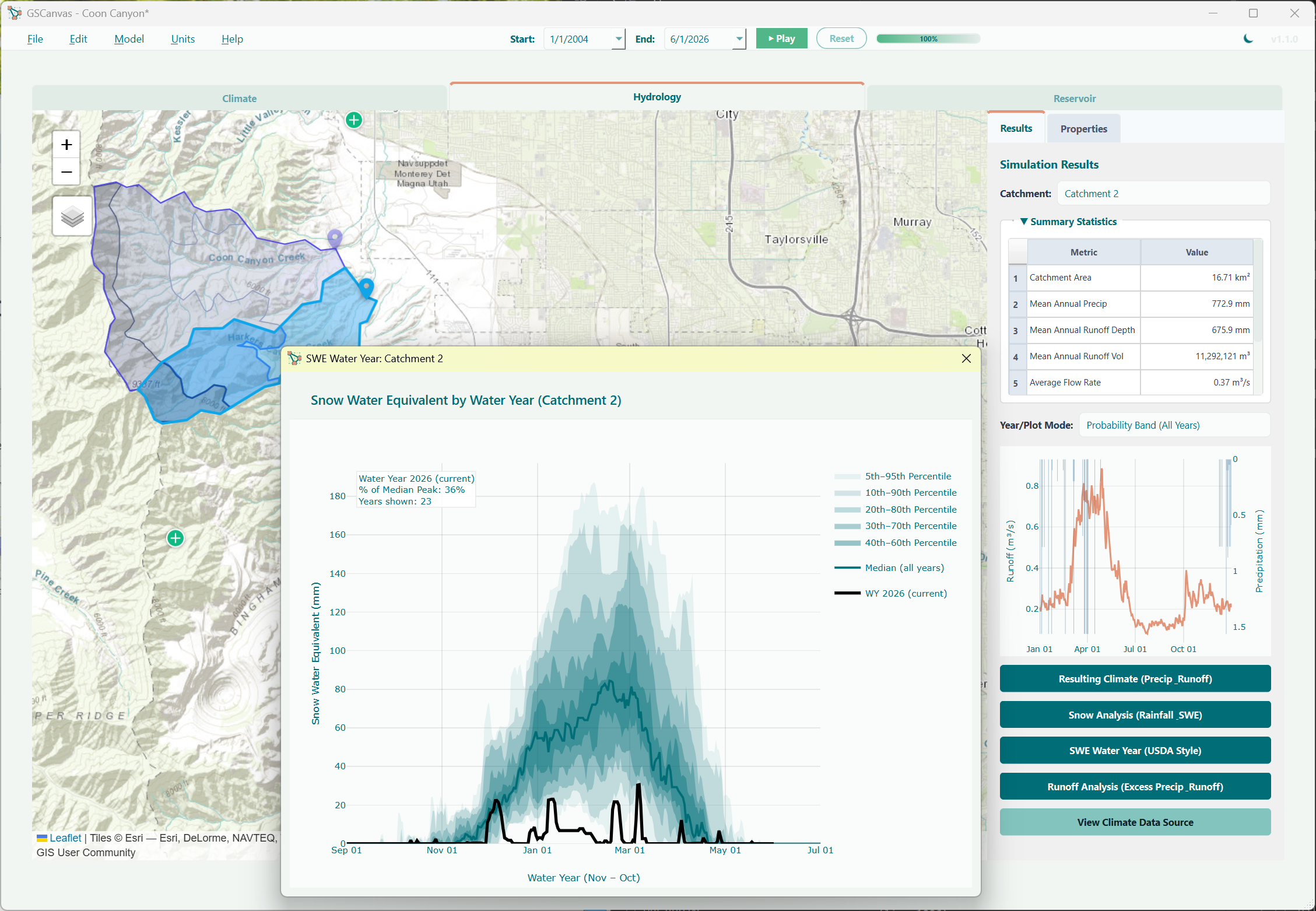
Hydrology & Runoff Sim
Perform multi-weather station interpolation, AWBM, and Snow-17 snowmelt simulation to generate runoff inputs. GSCanvas manages local hydrology while GoldSim handles water management.
Design View vs. Runner View in GSCanvas
Development Roadmap
We are actively planning updates to extend what GSCanvas can connect with. On the current roadmap:
-
▹
Scripting Capability: Leverage Python scripting to further analyze GoldSim time history outputs and embed custom, interactive charts and tables that end-users can engage with post-simulation.
My plan is to add more interactions with other tools and I am happy to take suggestions during this beta period. If you have ideas or specific use cases, please let me know.
Get Started with GSCanvas
Download the v1.2.2 installer to get started. The installer includes a preconfigured demo license, so no separate trial key is required.